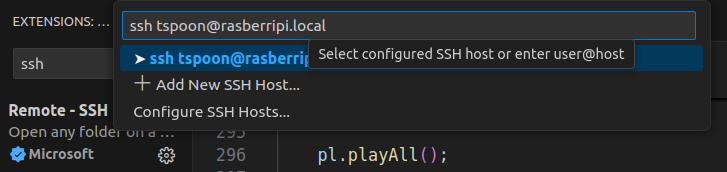
우선 sd카드를 통해 펌웨어를 flash하는 방식으로 진행된다.
튜토리얼 참조
https://ubuntu.com/tutorials/how-to-install-ubuntu-on-your-raspberry-pi
https://ubuntu.com/tutorials/how-to-install-ubuntu-on-your-raspberry-pi
ubuntu.com
1. rpi-imager 설치 후 실행


2. 펌웨어 플래쉬
- device 선택

- os 선택

- sd 카드 선택

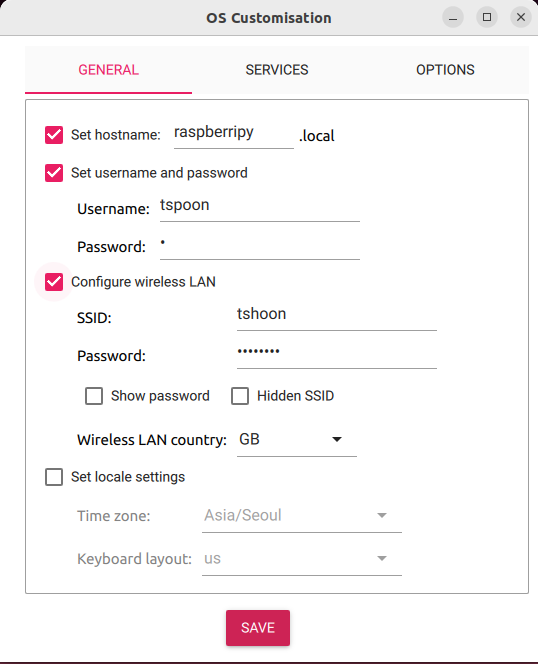
2-1. micro-HDMI가 없어 Edit Settings
GENERAL
1. 호스트 이름
2. 유저 이름 및 비밀번호 설정
3. Wifi 세팅(부팅 시 자동 접속하도록)
4. 지역 설정
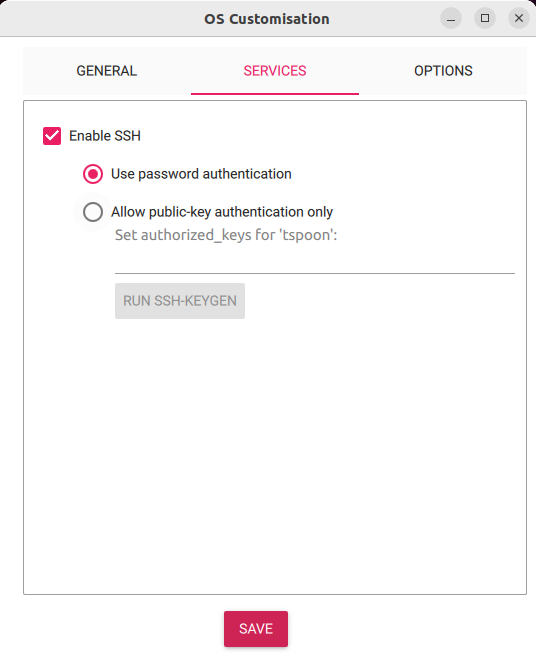
SERVICE
1. ssh 원격 접속 가능
- 로그인
- public-key
OPTIONS
- flash 완료 후 소리
- flash 완료 후 자동 제거
- Raspberry Pi 재단에 전송하는 데이터(오류 해결 등 보수작업 건의 가능)

- Flash!
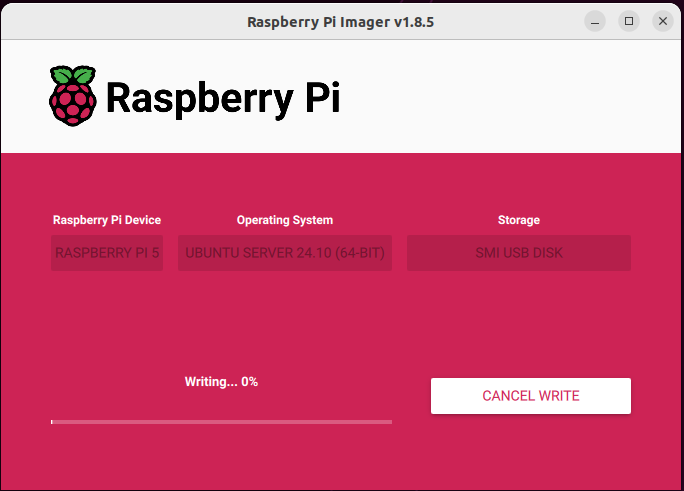
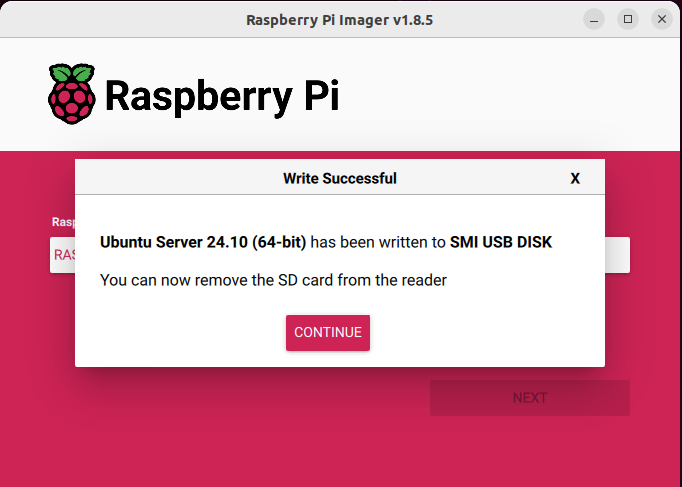
- 완료
2.2 Micro-HDMI를 이용


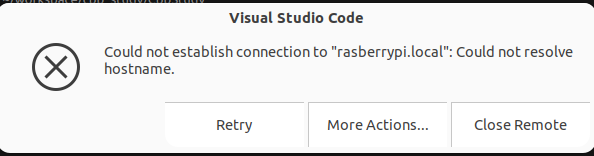
원격접속
잘 안되네.. ip주소로 할까?